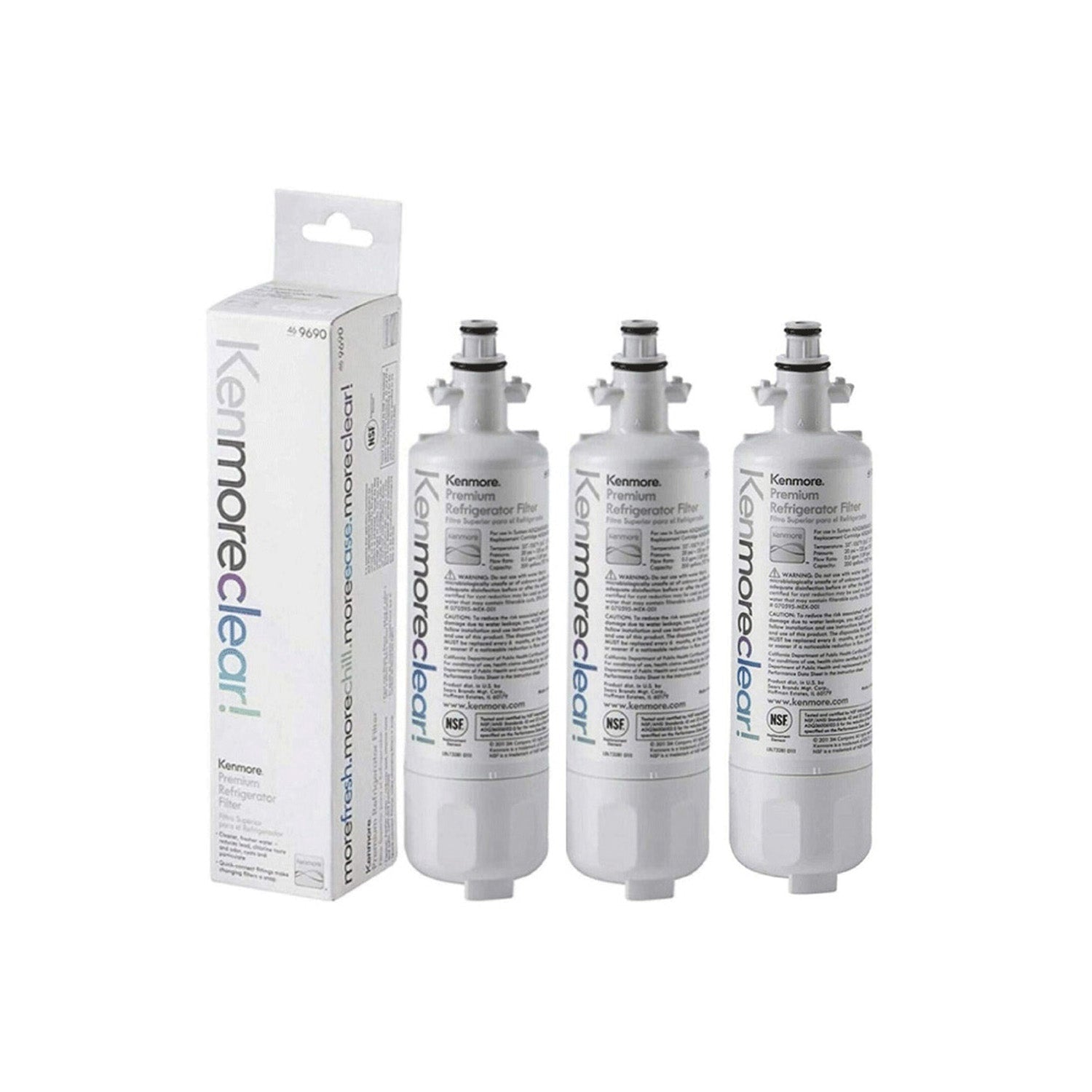
A home can feel clean on the surface, yet the air inside may still carry a stale smell that never goes away. Dust keeps returning even after frequent cleaning, and airflow starts feeling weak in different rooms. Many people notice allergy signs getting worse, while the cooling or heating feels uneven across the house. Hidden buildup inside the system often sits behind these problems and slowly raises repair costs over time.
Small issues like odor after startup or weak airflow often point to deeper buildup inside ducts, coils, and fan parts. A full system reset can restore smoother airflow, better cooling balance, and fresher indoor air without constant frustration. This guide walks through each step simply so the system can work closer to its original condition again. The next section starts with what a true deep clean means inside an HVAC setup.
What Deep Clean & Complete Reset Really Means
A surface clean only removes visible dust from vents or filters, but the internal system still holds buildup. Air ducts, coils, and blower parts often collect hidden dirt that blocks smooth airflow over time. A full reset means cleaning each internal part so air can move freely again without pressure loss. This process helps the system run with better balance and less strain.
Regular cleaning usually focuses on filters, but deep cleaning goes further into the system structure. Dust and moisture inside coils or ducts can reduce performance and create odor problems. A complete reset focuses on restoring clean airflow from the inside out so every room gets steady air.
Warning Signs Your HVAC Needs Deep Cleaning
Several signs show that the system needs a full internal cleaning instead of basic maintenance. These signs often build slowly, so many homeowners notice them only after comfort drops.
- Weak airflow from vents
- Bad smell during startup
- Dust forming around air registers
- Uneven temperature between rooms
- Allergy symptoms getting worse indoors
Each sign connects to hidden buildup inside ducts, coils, or fan sections. Ignoring these signs can lead to higher energy use and more strain on the system.
Tools & Safety Preparation
Safe preparation helps prevent damage and keeps the cleaning process controlled. Basic tools make the work smoother and reduce risk during each step. A small setup at the start saves time later and keeps the system protected.
- Gloves for hand protection
- Mask for dust safety
- Screwdriver for panel access
- Vacuum with brush attachment
Turn off the power before starting any cleaning work. This step protects both the system and the person working on it. Let the system cool down fully before touching internal parts.
Step-by-Step Deep Cleaning Process
Step 1 – Power Off & System Inspection
Turn off the HVAC system at the main switch before any work begins. Check visible areas for dust buildup or moisture signs. A quick inspection helps set the cleaning direction.
Step 2 – Remove and Clean Air Filters
Take out the air filter and check dust level. Wash reusable filters with clean water or replace them if needed. Let them dry fully before placing them back.
Step 3 – Clean Air Vents & Registers
Remove dust from vents using a vacuum brush attachment. Wipe surrounding areas to clear buildup around airflow points. Clean vents help air move without blockage.
Step 4 – Coil Cleaning (Evaporator/Condenser)
Coils collect dust and moisture that reduce system performance. Clean them carefully using proper coil-safe methods. Clean coils support better cooling and airflow balance.
Step 5 – Blower Fan Deep Cleaning
Dust on fan blades can slow airflow and create uneven pressure. Clean each blade carefully to remove stuck particles. Smooth blades help air move evenly through the system.
Step 6 – Duct Interior Cleaning
Ducts often hold hidden dust that affects air quality. Light buildup may allow DIY cleaning, but heavy buildup may need professional service. Clean ducts help maintain steady airflow.
Step 7 – Drain Line & Moisture Check
Check the drain line for blockages or water buildup. Clear any obstruction to stop moisture issues. Proper drainage helps prevent mold growth inside the system.
Step 8 – System Reset & Test Run
Turn the system back on and test airflow in different rooms. Check for odor, pressure balance, and cooling strength. A smooth test run shows the cleaning worked well.
Common Mistakes People Make
Many people only clean filters and ignore deeper parts of the system. Some use harsh chemicals that damage coils or internal parts. Others skip power shutdown, which creates safety risks. Moisture left inside the system can also lead to mold growth if not dried properly.
DIY vs Professional Deep Cleaning
Simple dust cleaning and filter washing often fit DIY work. Coil buildup, deep duct blockage, or strong odor problems may need trained service. Professional help becomes a better choice when airflow does not return to normal after basic cleaning.
Maintenance Plan After Deep Cleaning
A steady maintenance routine keeps the system stable after a full reset. Check filters each month and clean or replace them as needed. Schedule deeper cleaning during seasonal changes for better performance. Small habits help keep airflow steady and reduce long-term repair costs.