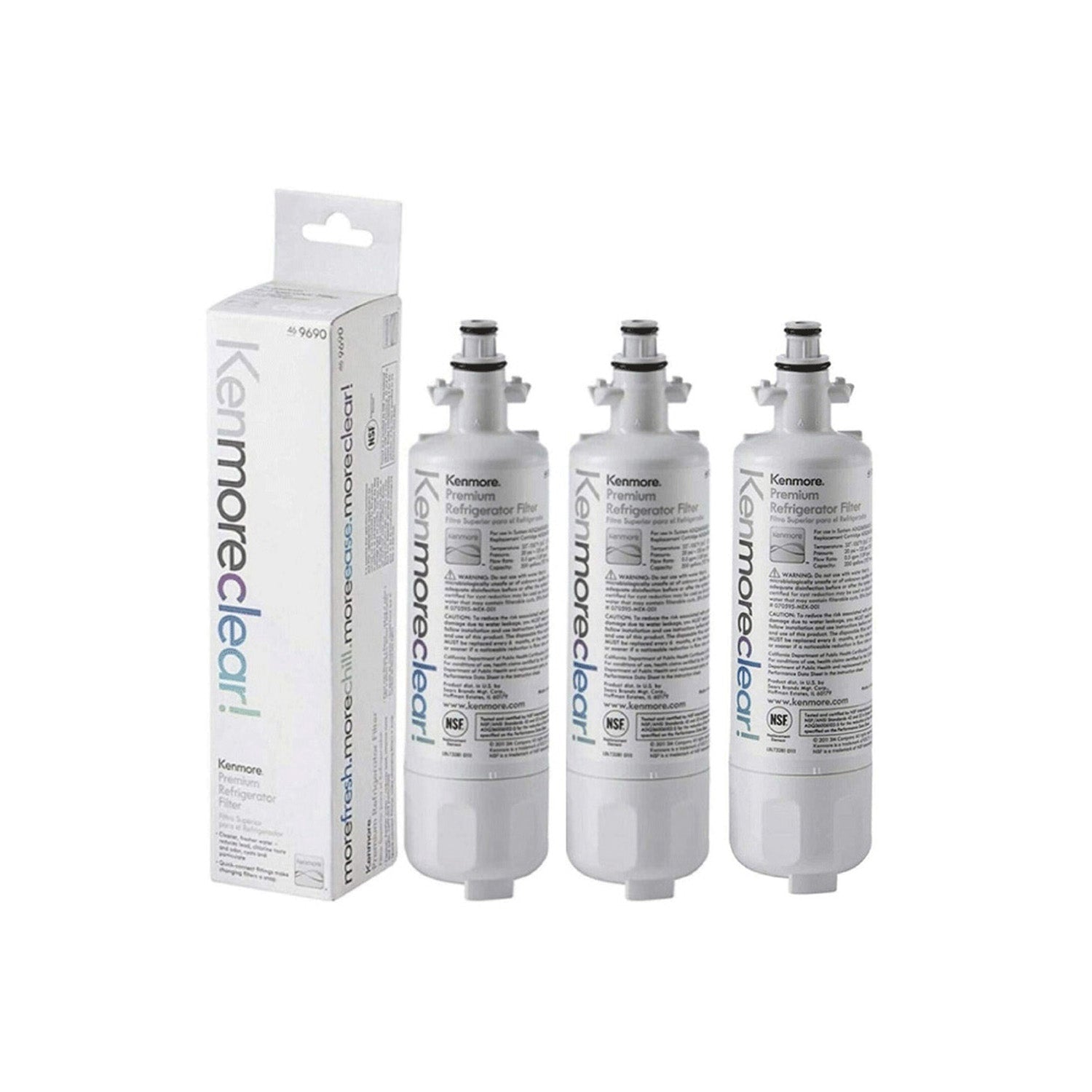
Regular air filter maintenance helps your LG appliance work at its best. A clean filter can improve indoor air quality, lower energy use, and help your appliance last longer. Dust, dirt, and other particles can build up over time and reduce airflow. As a result, your appliance may need more power to do the same job.
LG ThinQ makes filter care easier. The app helps you track filter life, check maintenance status, and get reminders on your phone. This smart feature removes the guesswork from routine care. A few simple steps can help you keep your appliance running well throughout the year.
This guide explains how to maintain your LG air filter with ThinQ smart integration. You will learn how to connect your appliance to the app, check filter status, clean or replace the filter, and reset maintenance alerts. By the end, you will have a simple routine that helps keep your home air clean and fresh.
Understanding LG Air Filters and ThinQ Integration
An LG air filter helps remove unwanted particles from the air that moves through the appliance. The filter traps dust, pet dander, lint, and other pollutants before they circulate through your home. Clean filters support better airflow and help the appliance perform as intended.
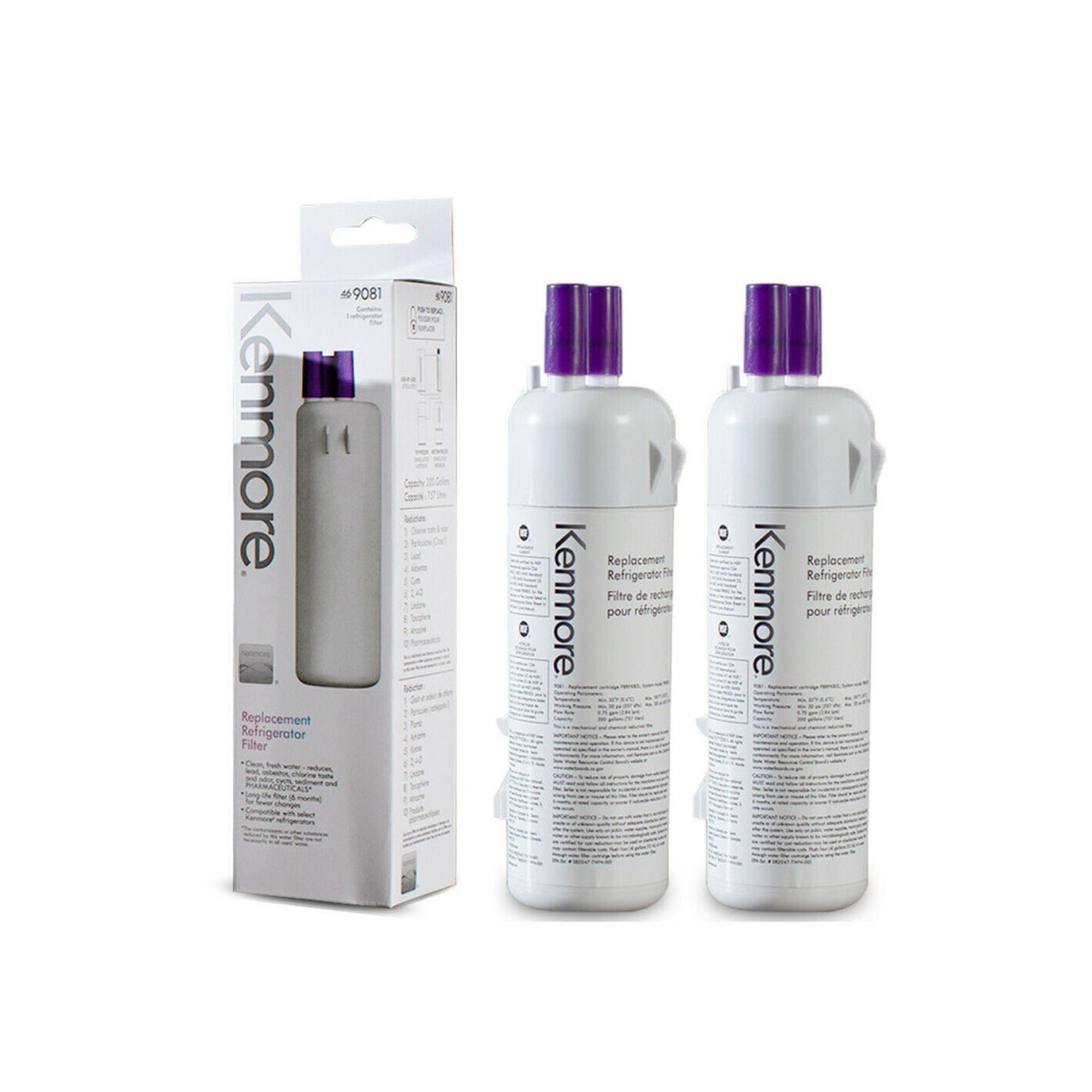
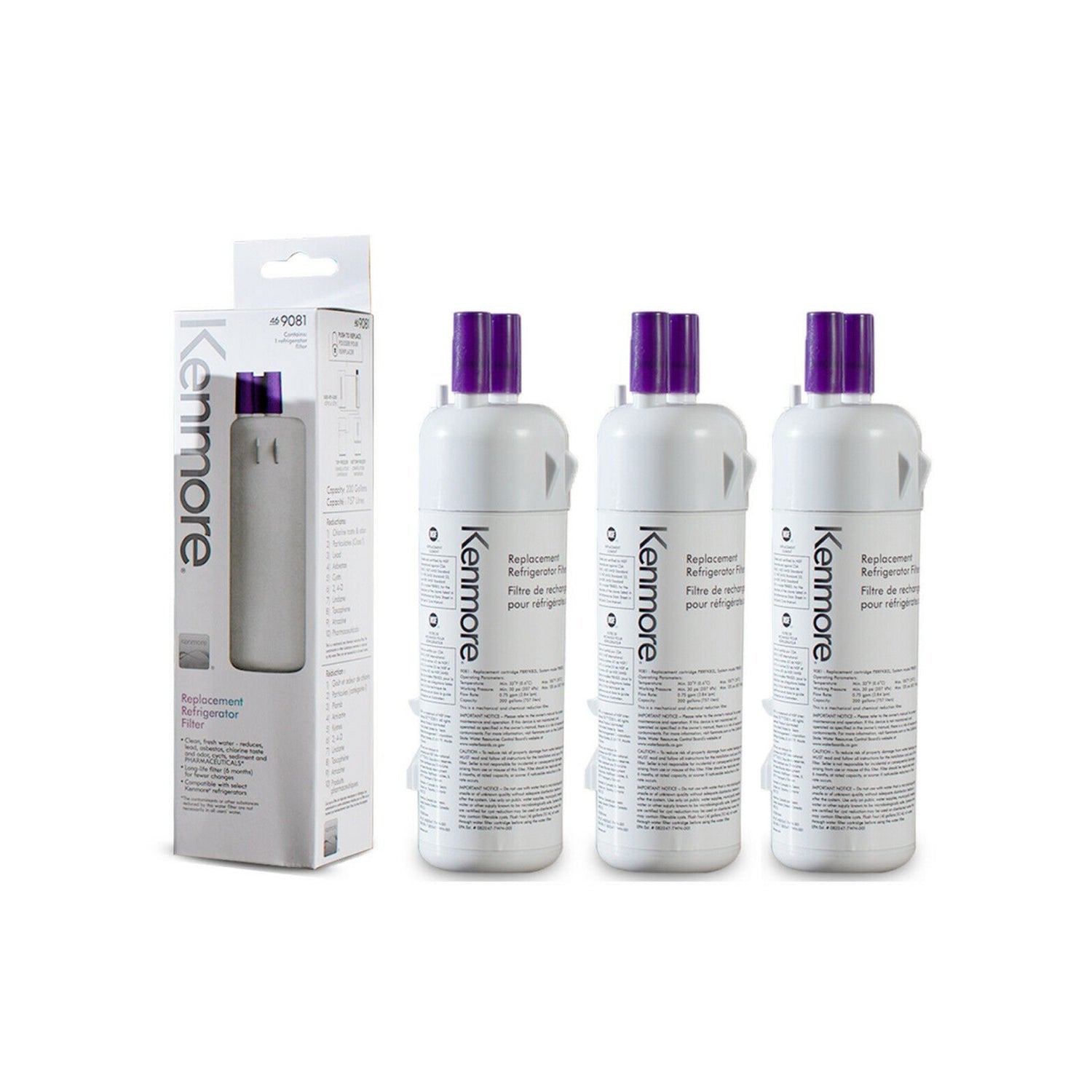
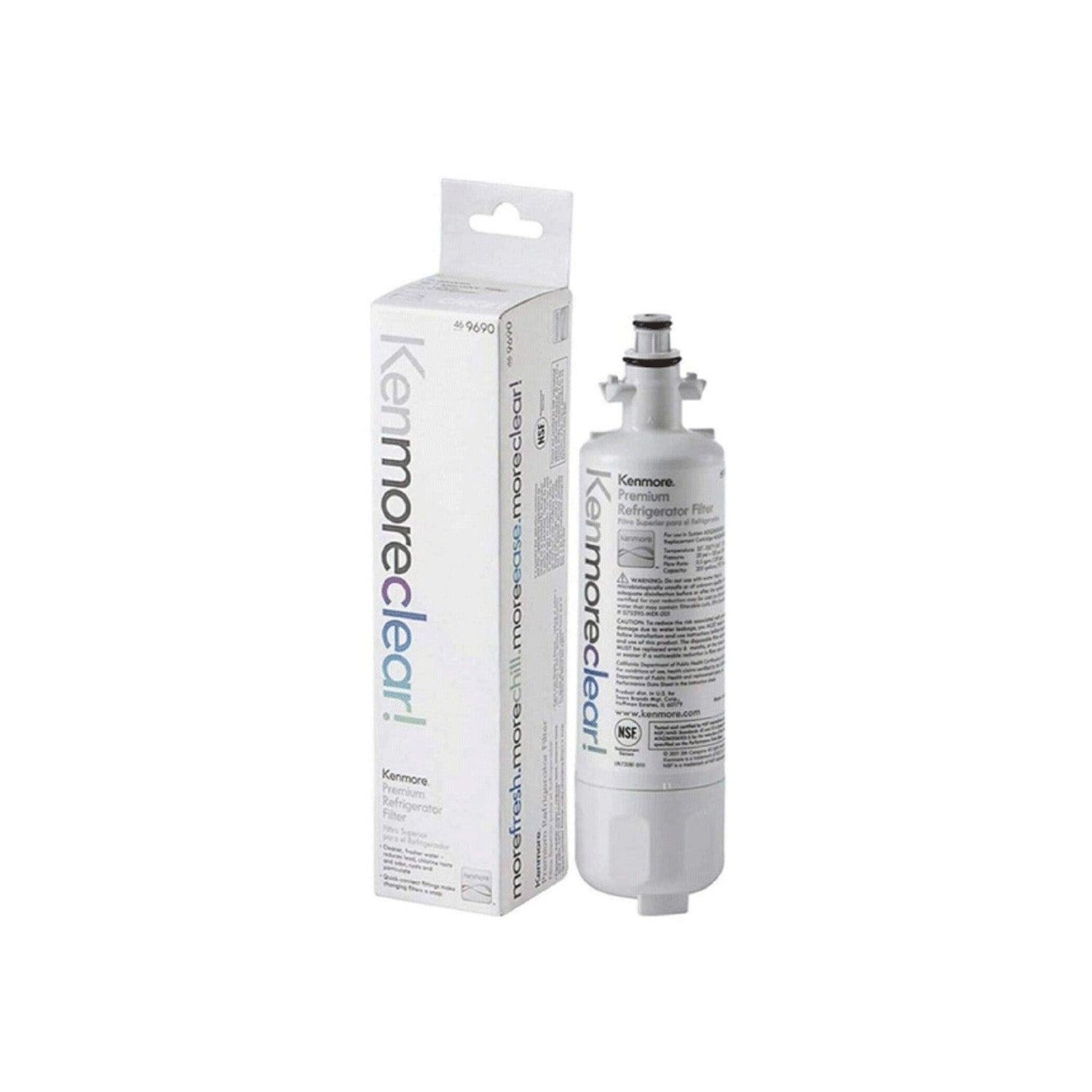
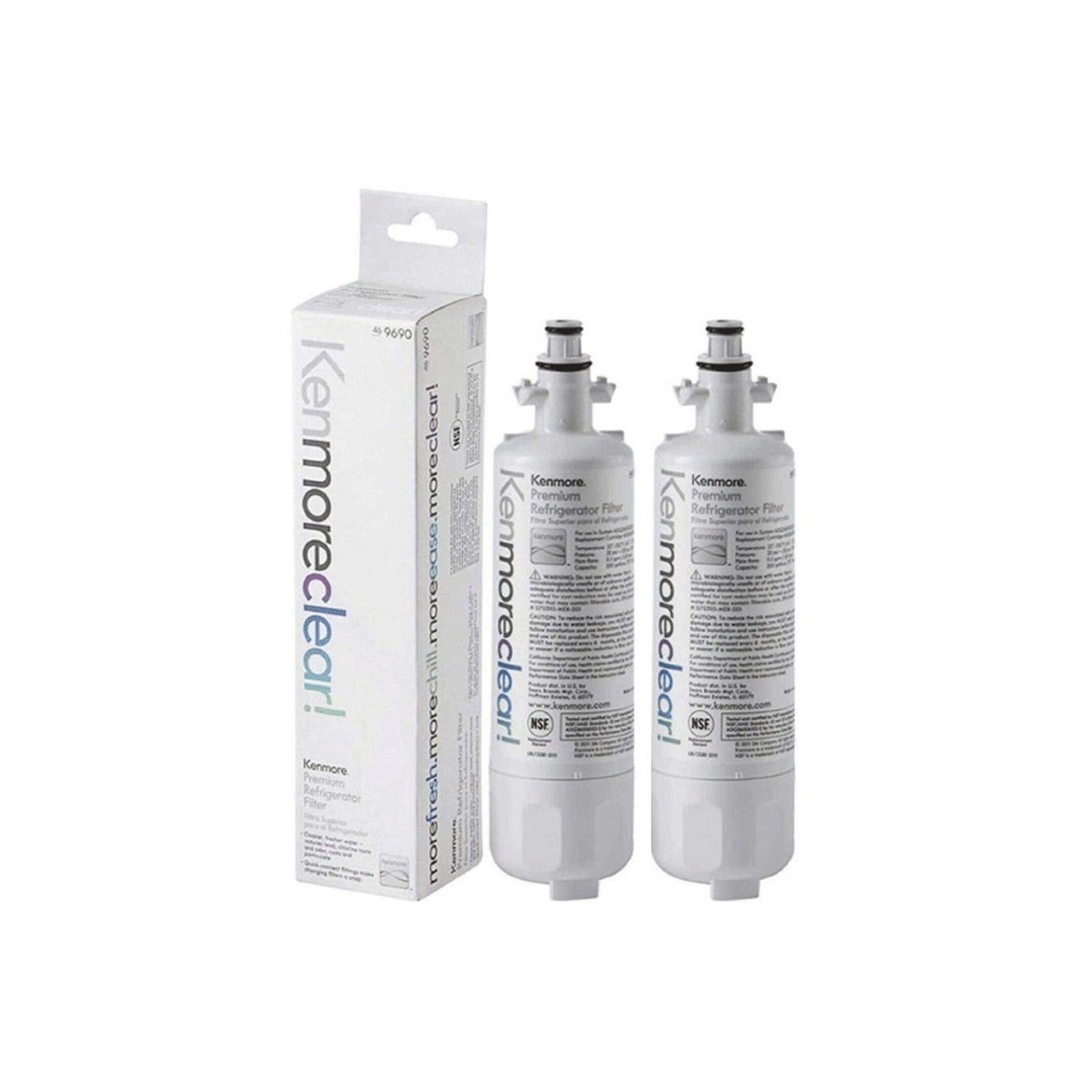
LG uses several filter types across different products. Each filter serves a specific purpose and may require a different maintenance method.
Common LG air filter types include:
- HEPA filters for fine particle removal
- Deodorizing filters for odor control
- Washable filters for repeated use
- Multi-layer filters for added air cleaning
Many LG appliances use air filters as part of their operation. Air purifiers, dehumidifiers, and some HVAC systems rely on filters to maintain airflow and air quality. Regular care helps these filters work as intended.
How LG ThinQ Helps with Filter Maintenance
LG ThinQ gives users a simple way to track appliance health from a mobile device. The app displays filter information and helps users stay on top of maintenance tasks. This feature can save time and reduce the chance of missing a cleaning schedule.
Several ThinQ features support filter maintenance:
- Filter status monitoring
- Filter life tracking
- Maintenance reminders
- Push notifications
- Remote access through the mobile app
These tools help users check filter conditions without opening the appliance. Maintenance becomes easier because the app provides clear updates and alerts. A quick look at the dashboard can show whether cleaning or replacement is due.
Before You Begin
Gather Necessary Supplies
A few basic supplies can make the process easier and safer. Preparing everything ahead of time helps the job move smoothly from start to finish. Most items are common household cleaning tools.
Keep these supplies nearby before you begin:
- Soft brush or vacuum attachment
- Mild cleaning solution if the filter allows washing
- Microfiber cloth
- Replacement filter if needed
- Clean towel for drying
Using the right tools helps protect the filter and appliance components. Gentle cleaning methods can remove dirt without causing damage.
Safety Precautions
Safety should come first during any maintenance task. Turn off the appliance and unplug it before opening any filter compartment. This step helps prevent electrical issues and protects internal parts.
Take a few minutes to review the owner's manual for your specific LG model. Different appliances may have different filter locations and cleaning requirements. Careful handling can help prevent tears, bending, or other filter damage.
Step-by-Step Guide to Managing Air Filters with the LG ThinQ App
Step 1: Connect Your Appliance to the LG ThinQ App
Download and Install the App
LG ThinQ is available for both iOS and Android devices. Download the app from the official app store on your phone or tablet. Installation takes only a few minutes in most cases.
Open the app after installation and create an account if needed. Existing users can sign in with their current credentials. A stable internet connection helps speed up the setup process.
Pair Your LG Device
Start the pairing process by turning on your appliance. Open the ThinQ app and select the option to add a new device. Follow the on-screen instructions to connect the appliance to your home Wi-Fi network.
The app will guide you through registration and setup. Most devices display a confirmation message after a successful connection. A completed setup allows the app to communicate with the appliance and track maintenance data.
Locate Filter Monitoring Features
Open the device dashboard after the connection process finishes. Most LG appliances place maintenance tools within the settings or care section. Filter information should appear along with other appliance details.
Check the filter life section to see current usage data. Maintenance alerts and service reminders often appear in the same area. This section will become your main source for future filter checks.
Step 2: Check Filter Status Through ThinQ
Open the Device Dashboard
Launch the ThinQ app and select the appliance you want to manage. The dashboard provides access to controls, settings, and maintenance information. Most filter-related details appear on the main device screen or within the care menu.
A quick dashboard review can help you spot maintenance needs before they affect performance. Regular checks help keep your appliance in good condition.
Review Filter Usage Data
Filter tracking tools show how much life remains in the filter. Many LG appliances display a percentage that reflects current filter use. Lower percentages usually indicate that cleaning or replacement may be needed soon.
Maintenance alerts can also appear when the filter reaches a certain usage level. These alerts help users follow a regular maintenance schedule. Consistent tracking can support better airflow and cleaner indoor air.
Determine Whether Cleaning or Replacement Is Needed
Pay attention to signs that may point to a dirty filter. Reduced airflow, unusual odors, and weaker performance often signal a maintenance need. Visible dust buildup can also indicate that service is due.
Check the owner's manual for recommended cleaning and replacement intervals. ThinQ reminders can support these schedules and help keep maintenance on track.
Step 3: Remove the Air Filter
Access the Filter Compartment
Locate the filter panel on your appliance before beginning removal. Many LG air purifiers and dehumidifiers place the filter compartment behind a front or rear panel. The owner's manual can help if the location is unclear.
Open the compartment carefully to avoid damaging clips or covers. Place removed parts in a safe location while you work.
Safely Remove the Filter
Slide the filter out slowly and avoid bending it during removal. Rough handling can damage filter material and reduce effectiveness. Gentle removal helps preserve the filter structure.
Inspect the filter after removal. Dust, lint, pet hair, and debris often collect on the surface. This inspection will help determine whether cleaning or replacement is the better option.
Step 4: Clean the Air Filter
For Washable Filters
Washable filters require gentle cleaning. Rinse the filter under lukewarm water and remove visible debris. A mild cleaning solution may help remove stubborn dirt if the manufacturer allows its use.
Allow the filter to dry completely before reinstallation. A damp filter can lead to unwanted moisture inside the appliance. Full drying helps maintain safe operation.
For Non-Washable Filters
Non-washable filters require a different approach. Use a vacuum with a soft brush attachment to remove loose dust and dirt. Gentle cleaning helps avoid damage to the filter material.
Replace the filter if heavy buildup remains after cleaning. A heavily clogged filter may no longer perform well. Fresh filters often restore airflow and filtration quality.
Common Cleaning Mistakes to Avoid
Several mistakes can shorten filter life. Strong cleaning chemicals may damage filter materials and reduce performance. Excessive scrubbing can also create tears or weak spots.
Avoid reinstalling a damp filter. Moisture can affect appliance operation and create additional maintenance issues. Careful cleaning helps keep the filter in good condition.
Step 5: Replace the Filter If Necessary
Identify the Correct Replacement Filter
Always choose a filter designed for your specific LG model. Different appliances use different filter sizes and designs. A compatible filter helps maintain proper airflow and filtration performance.
Check the model number before making a purchase. Product documentation often lists approved replacement filters. Matching the correct filter helps prevent installation problems.
Install the New Filter
Insert the new filter according to the manufacturer's instructions. Pay attention to airflow arrows or orientation markings. Proper placement helps the filter work correctly.
Secure the filter compartment after installation. Make sure all panels fit properly and close completely. A secure fit helps maintain steady airflow throughout the appliance.
Step 6: Reset Filter Status in the ThinQ App
Navigate to Maintenance Settings
Open the ThinQ app and select the appliance dashboard. Enter the maintenance section where filter tracking information appears. Most models include a reset option within this area.
Read any on-screen instructions before proceeding. Following the correct steps helps maintain accurate tracking.
Reset the Filter Indicator
Select the filter reset option after cleaning or replacing the filter. The app may ask for confirmation before completing the process. Approve the request to continue.
A successful reset usually updates the filter life indicator immediately. This step allows future reminders to remain accurate.
Verify Updated Filter Life Tracking
Check the filter status after the reset finishes. Many appliances will display full filter life after a successful reset. Accurate tracking helps users follow future maintenance schedules.
A quick review can confirm that the reset worked correctly. Reliable tracking supports long-term appliance care.
Step 7: Set Up Smart Maintenance Alerts
Enable Push Notifications
Push notifications help users stay informed about maintenance needs. Open the notification settings within the ThinQ app and activate alerts for your appliance. These reminders can help prevent missed service intervals.
Regular notifications make maintenance easier to manage. Users can receive updates without checking the app manually.
Customize Maintenance Preferences
Many appliances allow users to adjust reminder settings. Households with pets or high dust levels may need more frequent maintenance reminders. Customized settings help match actual usage conditions.
Review preferences from time to time to ensure they still meet your needs. Small adjustments can improve maintenance planning.
Troubleshooting Common Issues
ThinQ App Not Detecting Filter Status
Connection problems can sometimes prevent filter information from appearing. Check your Wi-Fi connection and confirm that the appliance remains connected to the network. A weak signal may interrupt communication.
Update both the app and appliance firmware if updates are available. Current software versions often resolve reporting issues.
Filter Indicator Will Not Reset
A failed reset may occur if the process was not completed correctly. Restart the appliance and reopen the ThinQ app. Then repeat the reset procedure.
Network issues can also affect communication between the appliance and the app. Reconnecting the device may resolve the problem.
Persistent Air Quality Problems
Poor air quality may continue even after filter maintenance. Check the appliance for additional cleaning needs and inspect nearby vents or air pathways. Dust buildup in other areas can affect performance.
Contact customer support if problems continue after maintenance. Technical assistance may help identify underlying issues.
Best Practices for Long-Term Filter Performance
Consistent maintenance helps extend filter life and support appliance performance. Follow the schedule listed in the owner's manual and check filter status regularly through the ThinQ app. Small maintenance tasks often prevent larger problems later.
Keep the area around the appliance clean and free from excessive dust. Regular housekeeping can reduce the amount of debris that reaches the filter. Cleaner surroundings often support better airflow.
Use genuine replacement filters whenever possible. Approved filters are designed to match appliance specifications and performance requirements. Proper filter selection helps maintain reliable operation over time.
Conclusion
Regular LG air filter maintenance supports cleaner air, better airflow, and steady appliance performance. LG ThinQ makes the process easier by providing filter tracking, maintenance reminders, and status updates through a mobile device. Together, these features help users stay organized and maintain a consistent care routine.
A few simple maintenance steps can make a noticeable difference over time. Clean filters help appliances operate more efficiently and support a healthier indoor environment. Consistent care and smart monitoring can help keep your LG appliance performing at its best throughout the year.
Frequently Asked Questions
How Often Should LG Air Filters Be Cleaned?
Most washable filters benefit from cleaning every few weeks, depending on usage and indoor conditions. Homes with pets, smoke, or high dust levels may require more frequent maintenance. ThinQ reminders can help users stay on schedule.
Can All LG Filters Be Washed?
Not every LG filter supports washing. Some filters require replacement instead of cleaning. Check the owner's manual before placing any filter under water.
Does ThinQ Notify Users About Filter Replacement?
Many LG appliances send maintenance alerts through the ThinQ app. These notifications can include filter cleaning reminders and replacement recommendations. Alert availability may vary by model.
What Happens If the Filter Reset Is Not Performed?
The app may continue displaying old filter data if the reset process is skipped. Maintenance reminders may become inaccurate over time. A quick reset helps keep tracking information current.