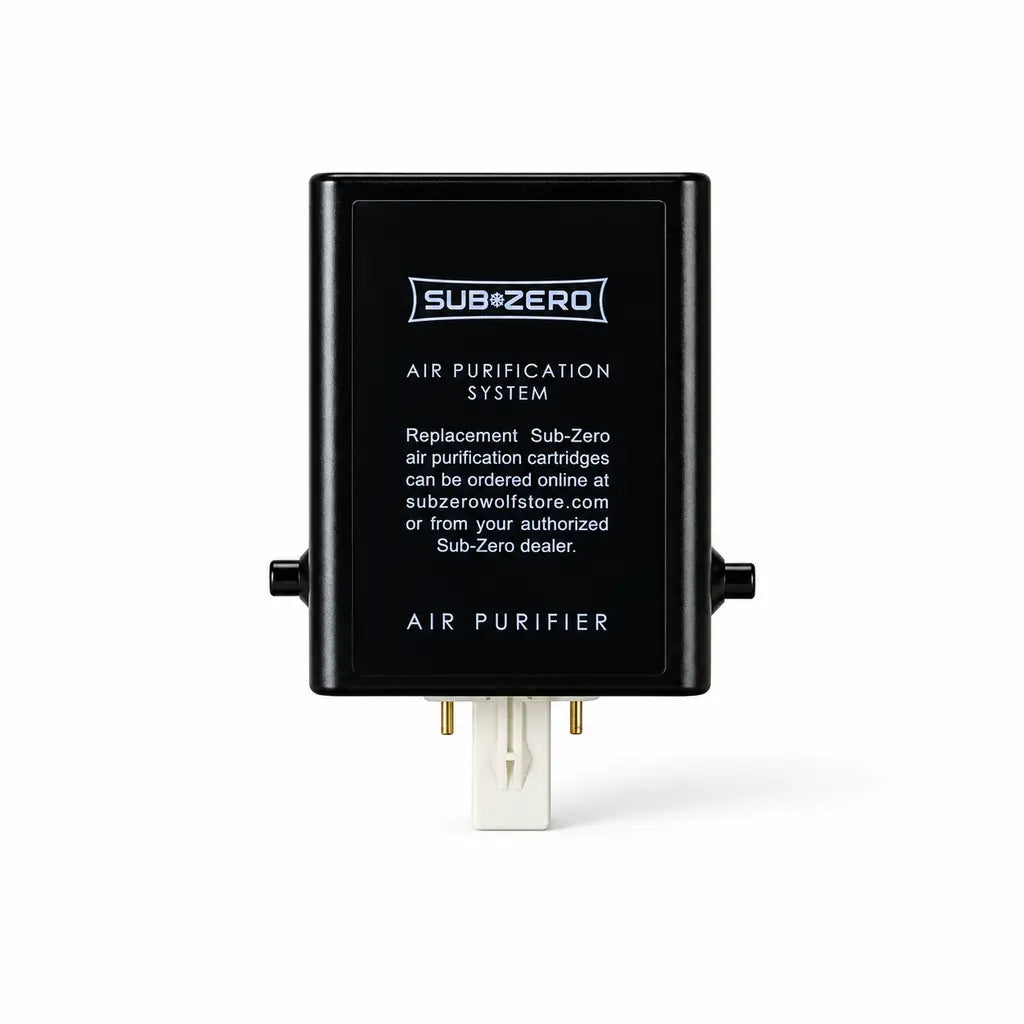
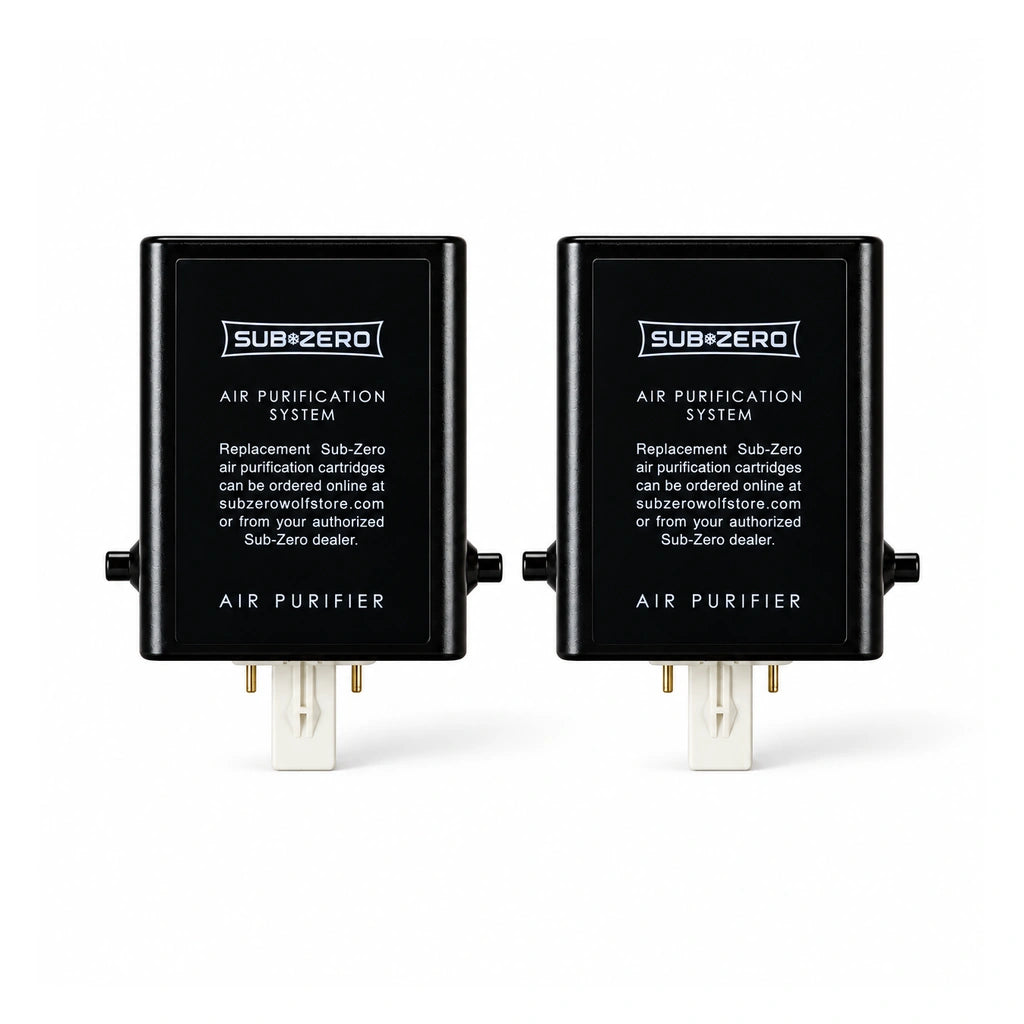
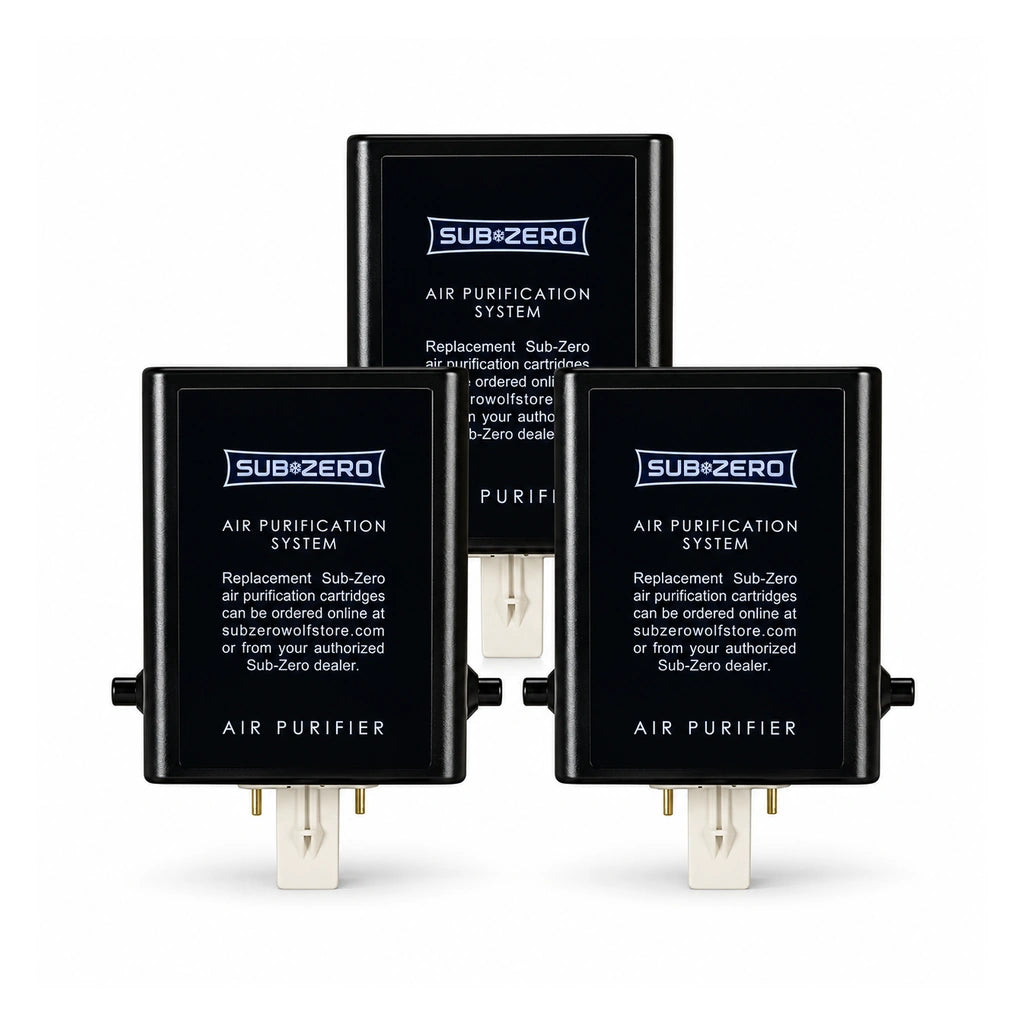
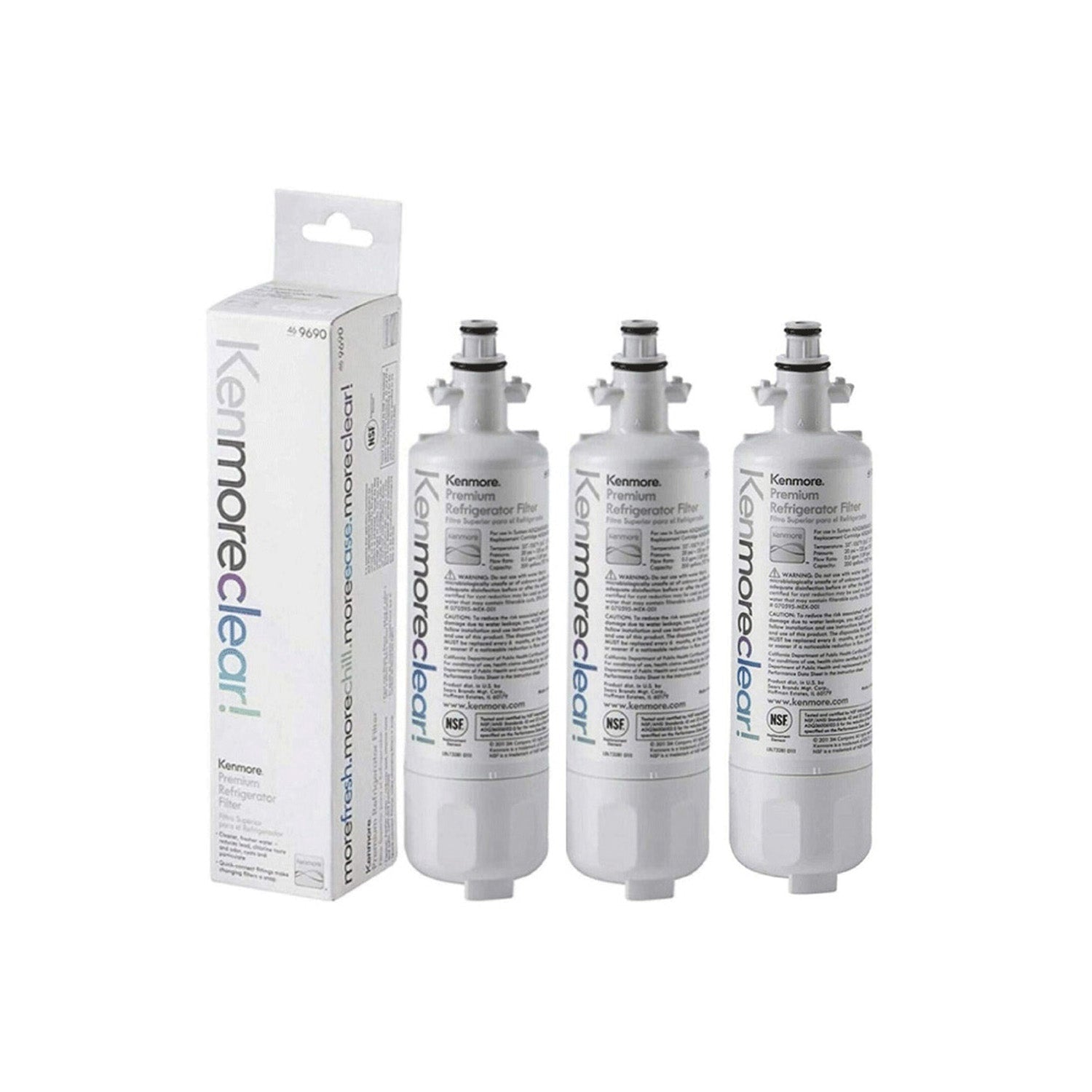
Fresh food depends on more than cold temperatures. Clean airflow inside a refrigerator helps control odors and supports food storage. A GE refrigerator air filter plays a key role in keeping air fresh throughout the fresh food compartment.
Many GE refrigerator models also include a built-in Keurig Hot Water Dispenser. This feature adds convenience for coffee, tea, and other hot drinks. Regular use of the dispenser makes overall refrigerator maintenance even more important. Clean air circulation, proper filter care, and routine cleaning help the appliance perform at its best.
GE recommends replacing refrigerator air filters on a regular schedule. Appliance service technicians also stress the value of routine inspections and cleaning. A simple maintenance plan can help reduce odors, support food freshness, and keep premium refrigerator features working properly.
Understanding the GE Air Filter System
A GE refrigerator air filter helps reduce unwanted odors inside the appliance. Most filters use activated carbon to trap odor-causing particles from foods stored in the refrigerator. This process helps keep the air cleaner and limits odor transfer between different items.
Air circulation also affects food freshness. Fresh air moves through the refrigerator compartment and helps maintain a stable storage environment. Good airflow supports consistent conditions for fruits, vegetables, dairy products, and leftovers. As a result, food can stay fresh for a longer period.
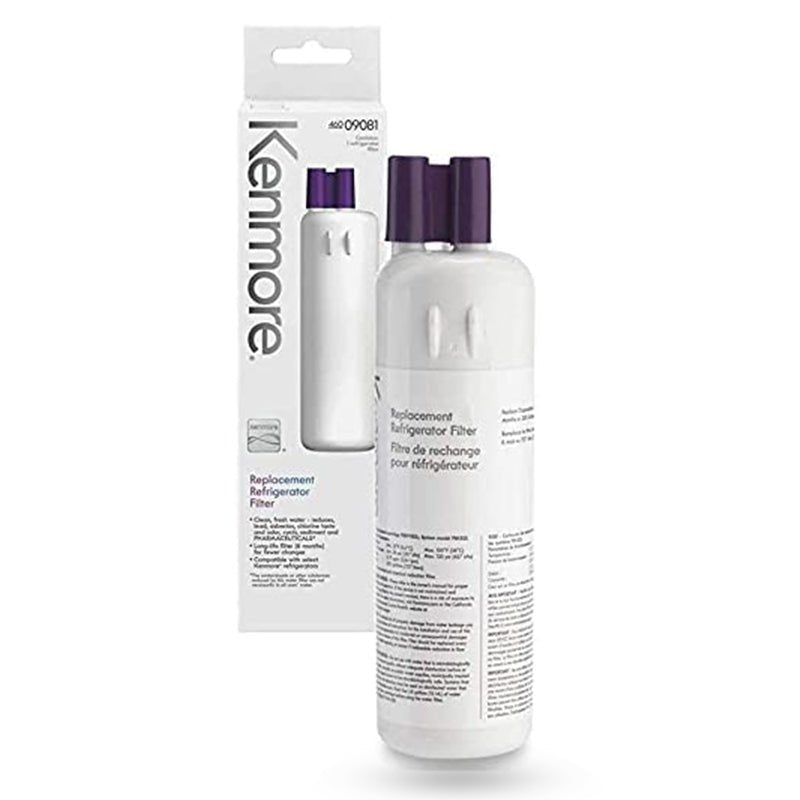
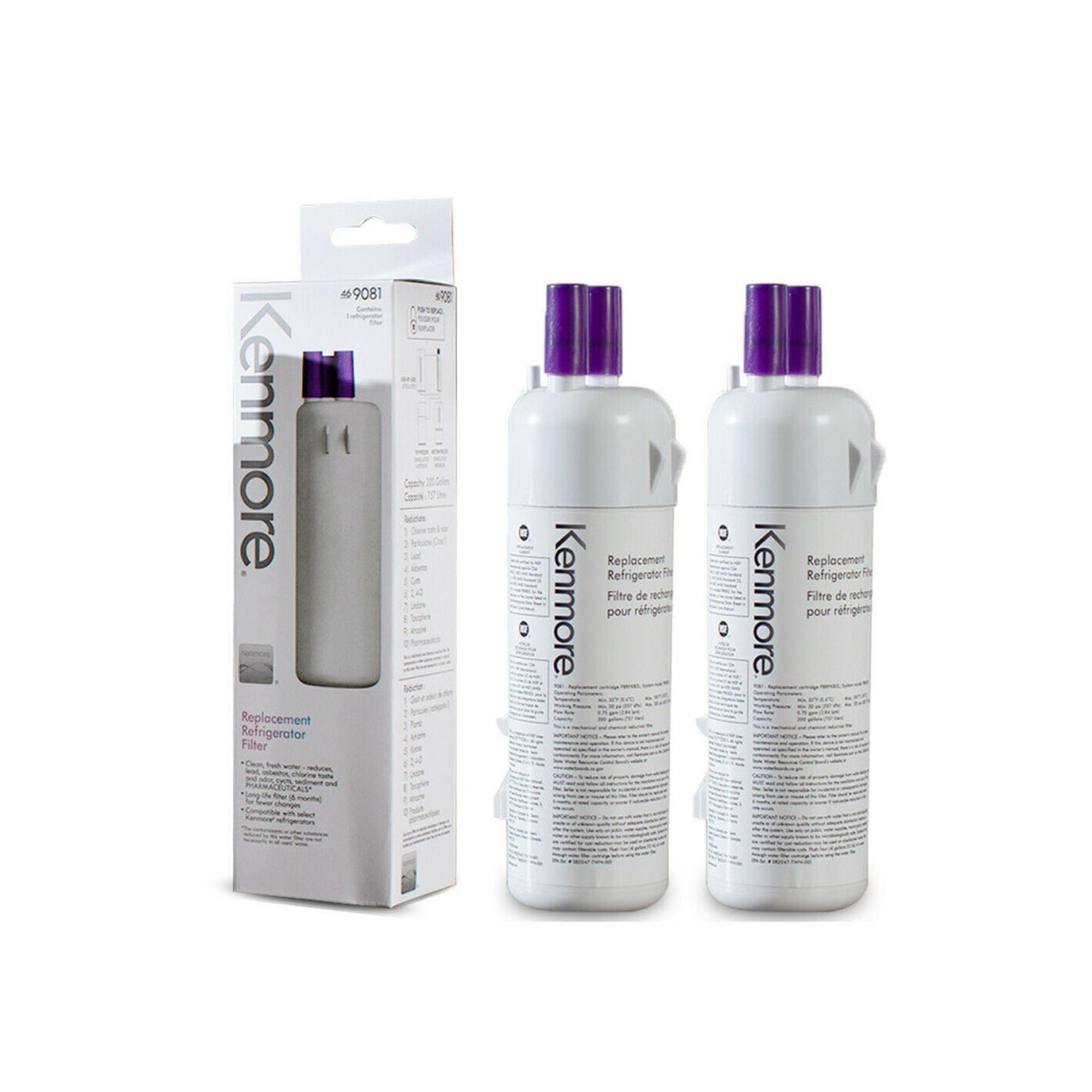
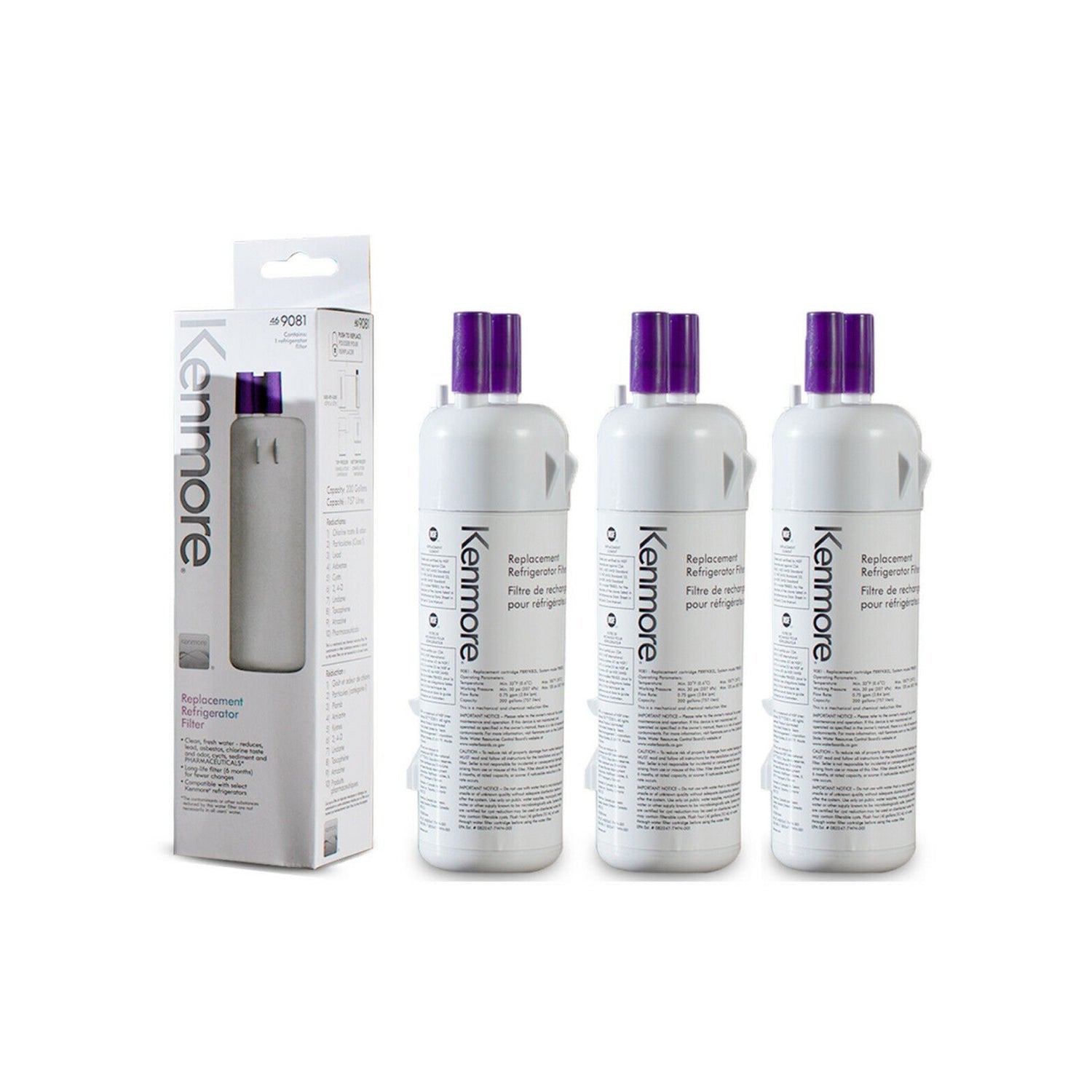
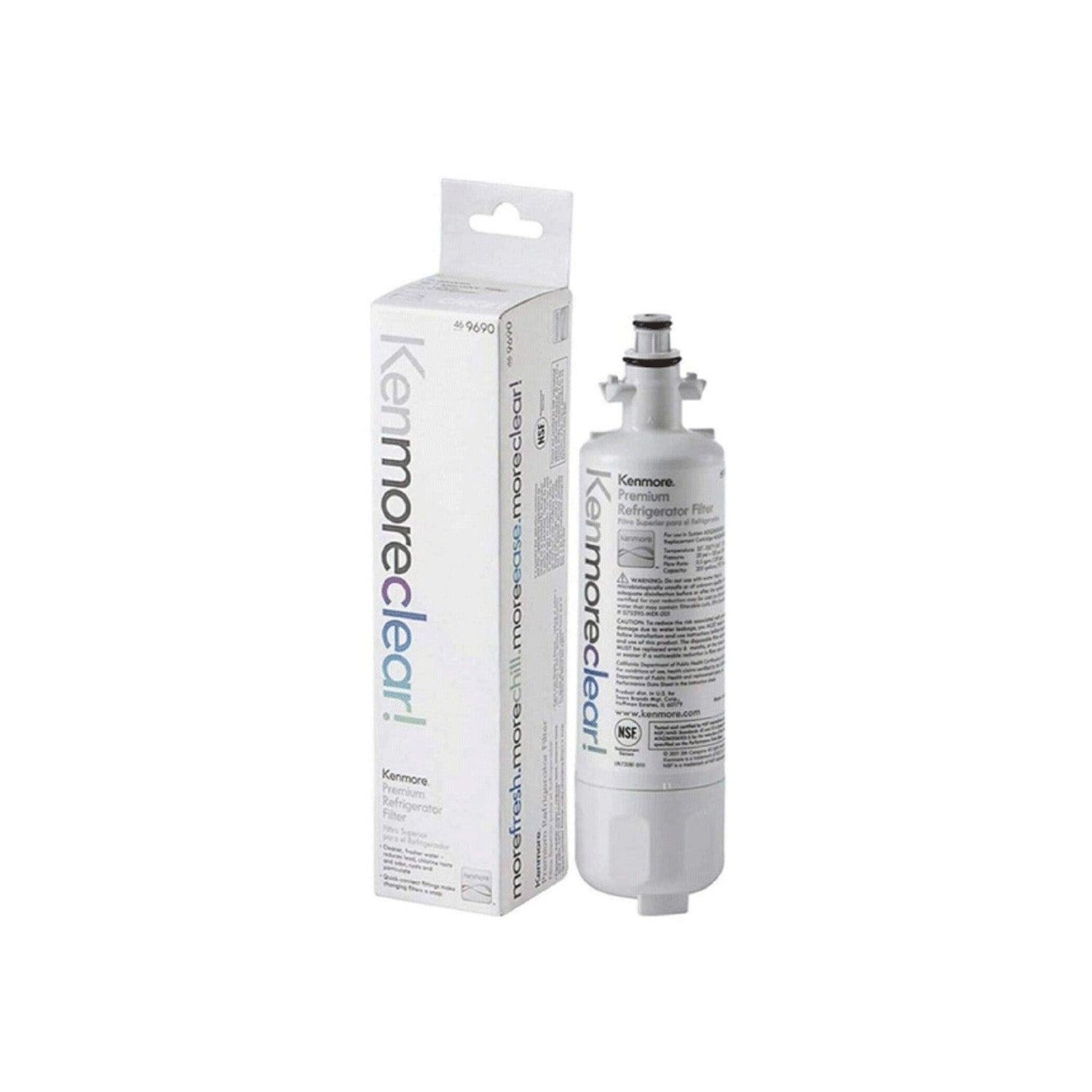
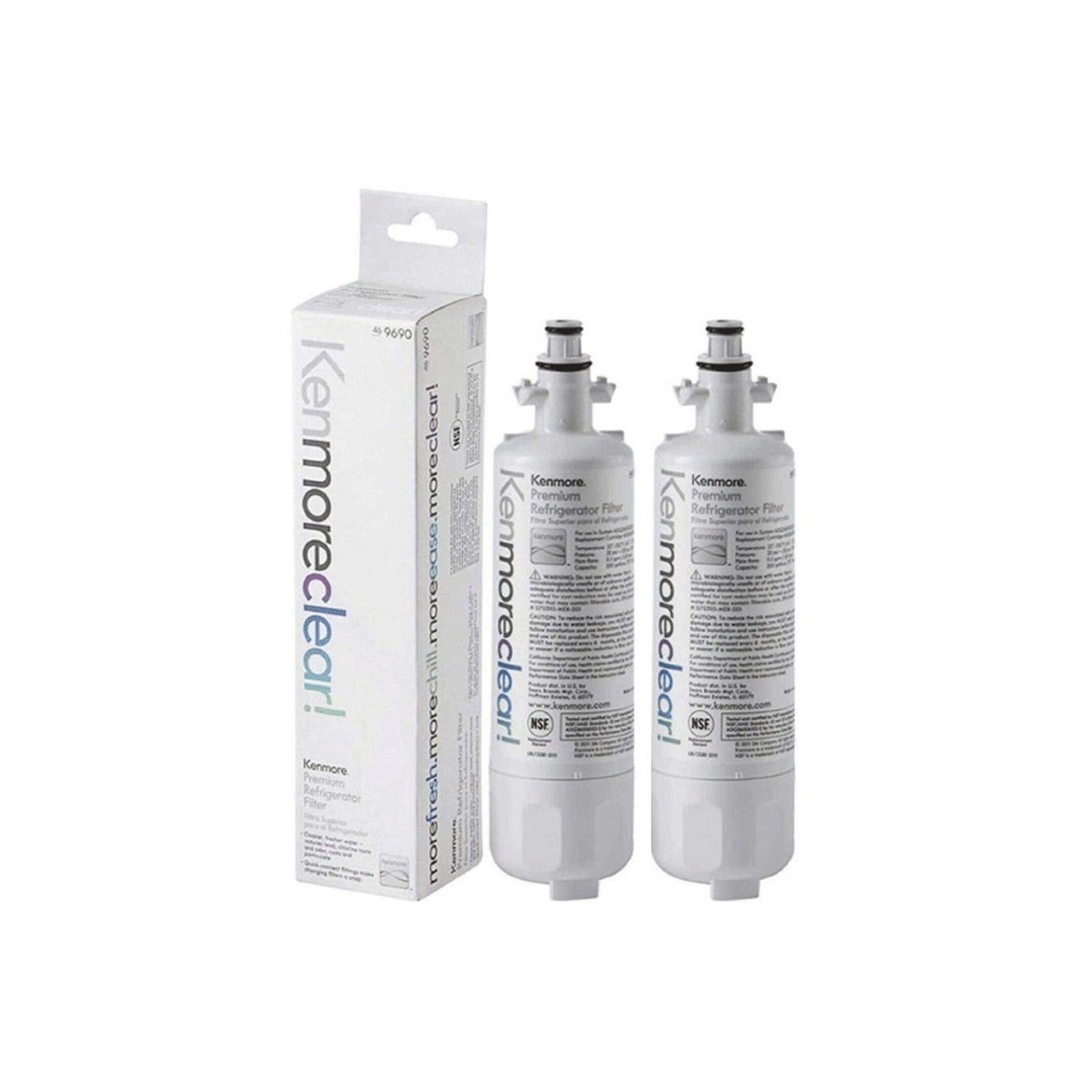
Many people confuse air filters with water filters. An air filter targets odors and air quality inside the refrigerator. A water filter improves the quality of drinking water and ice. Both filters serve different purposes, yet each supports a cleaner refrigerator experience.
Proper filter care helps the fresh air system work as intended. A neglected filter can lose effectiveness over time. Regular replacement helps maintain odor control and supports healthy airflow throughout the refrigerator.
How the Keurig Hot Water Dispenser Impacts the Refrigerator Environment
A built-in Keurig Hot Water Dispenser adds convenience to daily routines. Users can prepare coffee, tea, hot chocolate, and other beverages without using a separate countertop appliance. This feature saves space and provides quick access to hot water.
Frequent beverage preparation can increase activity around the refrigerator. Small spills, water droplets, and beverage residue may collect near the dispenser area. These conditions can create unwanted odors if cleaning does not occur on a regular schedule.
Moisture control also plays an important role. Water residue around dispenser components can attract dirt and food particles. Routine cleaning helps prevent buildup and supports a cleaner refrigerator environment.
A refrigerator with a Keurig system benefits from a complete maintenance approach. Air filter replacement, interior cleaning, and dispenser care work together to support fresh storage conditions. Good maintenance habits help protect both convenience features and overall refrigerator performance.
Signs Your GE Air Filter Needs Attention
Unpleasant odors often provide the first warning sign. Strong smells from leftovers, produce, or other foods may remain inside the refrigerator even after cleaning. A worn air filter may no longer remove odors effectively.
Food freshness can also change over time. Fruits and vegetables may lose quality sooner than expected. Lingering odors between different food items may become more noticeable as filter performance drops.
Many GE refrigerators include a filter replacement indicator. A warning light can signal that replacement time has arrived. Checking the owner's manual helps confirm the proper reset and replacement process for a specific model.
Airflow concerns may also point to filter issues. Certain areas inside the refrigerator may seem less fresh than others. Poor air movement combined with strong odors often suggests that the air filter needs attention.
How to Optimize GE Air Filter Performance
Good air filter performance starts with proper airflow. Food items should not block air vents inside the refrigerator. Open vents allow air to move freely through storage compartments.
Overcrowding can reduce circulation and create odor pockets. Space between containers helps air reach all areas of the refrigerator. Better airflow supports more even storage conditions.
Food storage habits also affect air quality. Sealed containers help prevent odor transfer between foods. Strong-smelling items such as onions, seafood, and leftovers should remain covered whenever possible.
Temperature consistency supports both food freshness and filter performance. Most refrigerators perform best near the recommended factory settings. Frequent temperature changes can place extra strain on the refrigerator environment.
Regular cleaning removes odor sources before they become a problem. Focus on shelves, drawers, door bins, and spill-prone areas. Clean surfaces help the air filter work more effectively and reduce unwanted smells.
Simple habits can improve results:
- Keep air vents clear.
- Store foods in sealed containers.
- Remove expired items promptly.
- Wipe up spills quickly.
- Replace the air filter on schedule.
These steps help maintain fresh airflow and may reduce the need for extra odor-control measures.
Step-by-Step Guide to Replacing a GE Air Filter
Air filter replacement helps maintain fresh airflow throughout the refrigerator. Most GE models require a new air filter about every six months. A regular replacement schedule helps control odors and supports food storage conditions.
1. Locate the Air Filter Housing
Start by finding the air filter compartment. Many GE refrigerators place the filter housing inside the fresh food section. The owner's manual can help identify the exact location for a specific model.
2. Remove the Old Filter
Open the filter housing according to the manufacturer's instructions. Carefully remove the old filter from its slot. Avoid forcing the filter out, as this can damage the housing.
3. Install the New Filter
Insert the replacement filter into the correct position. Make sure the filter sits securely inside the housing. Proper installation helps the fresh air system work correctly.
4. Reset the Filter Indicator
Many GE refrigerators include a filter reminder light. Press the required button or follow the reset instructions listed in the owner's manual. Resetting the indicator allows the refrigerator to track the next replacement period.
5. Verify Proper Operation
Close the filter housing and inspect the area. Confirm that the filter fits properly and that the indicator light has reset. Fresh airflow should return to normal after installation.
A few minutes of maintenance can help support odor control and overall refrigerator performance.
Maintaining the Keurig Hot Water Dispenser Alongside the Air Filter
Regular dispenser care supports both cleanliness and performance. A maintenance routine that includes the Keurig system and the refrigerator air filter can help prevent common issues. Consistent care also helps keep the appliance looking clean.
-
Clean External Components
Coffee splashes, fingerprints, and water spots can collect around the dispenser area. Wipe exterior surfaces with a soft cloth on a regular basis. Clean surfaces help reduce residue buildup and improve overall hygiene.
-
Flush Water Lines Periodically
Water lines can collect mineral deposits over time. Periodic flushing helps keep water moving properly through the system. Clean water pathways also support better beverage quality.
-
Follow Descaling Recommendations
Minerals from water can build up inside brewing components. Descaling helps remove these deposits and supports reliable operation. Follow the schedule recommended for the specific refrigerator model.
-
Check for Water Residue or Spills
Small spills often go unnoticed around the dispenser area. Water residue can attract dirt and create odors if left untreated. Quick cleanup helps maintain a cleaner appliance.
-
Maintain Surrounding Refrigerator Surfaces
Areas near the dispenser deserve the same attention as interior compartments. Regular cleaning helps prevent buildup that may affect air quality. A clean refrigerator environment supports the performance of the fresh air system.
A combined maintenance routine often delivers better results than treating each component separately.
Common Mistakes That Reduce Air Filter Efficiency
Many refrigerator owners replace filters but overlook other maintenance tasks. Several common mistakes can reduce air filter performance and limit odor control.
Ignoring replacement schedules ranks among the most common problems. An old filter gradually loses its ability to remove odors. Delayed replacement can allow smells to spread throughout the refrigerator.
Blocked air vents can also reduce effectiveness. Large containers, grocery bags, and crowded shelves may restrict airflow. Limited air movement prevents the filter from working efficiently.
Some owners purchase incompatible replacement filters. A filter designed for another model may not fit properly or perform as expected. Using the correct replacement part helps maintain reliable results.
Interior cleaning often receives less attention than filter replacement. Food spills, spoiled items, and hidden residue can continue producing odors. A new filter cannot solve every odor problem without proper cleaning.
Many users also forget to reset the filter indicator. A reset allows the refrigerator to monitor future replacement intervals correctly. This simple step helps maintain an organized maintenance schedule.
Appliance repair professionals often find these issues during service visits. Avoiding these mistakes can improve air quality and support better refrigerator performance.
Troubleshooting Air Quality and Odor Issues
Some odor problems continue even after installing a new filter. A systematic approach can help identify the source and restore fresh airflow.
-
Bad Smells Remain After Filter Replacement
Persistent odors often come from spoiled food or hidden spills. Check drawers, shelves, and door compartments carefully. Deep cleaning may remove odor sources that the filter cannot address alone.
-
Air Filter Light Will Not Reset
A filter indicator may stay active if the reset process was not completed correctly. Review the owner's manual for the exact reset steps. Certain models require holding the reset button for several seconds.
-
Odors Near the Beverage Area
Residue around the Keurig dispenser can create unwanted smells. Inspect nearby surfaces for dried spills or water buildup. Cleaning the area thoroughly often solves the problem.
-
Food Spoils Faster Than Expected
Food spoilage may point to temperature or airflow issues. Verify refrigerator temperature settings and inspect air vents for blockages. Proper circulation helps maintain stable storage conditions.
-
Airflow Seems Weak
Weak airflow can result from blocked vents or a worn filter. Rearrange food items to improve circulation and replace the filter if necessary. Better airflow supports odor control and food freshness.
Most odor and airflow concerns have simple causes. Regular inspection helps catch small issues before they become larger problems.
Recommended Maintenance Schedule
A consistent schedule helps keep both systems in good condition. Regular attention can reduce odors, improve cleanliness, and support long-term appliance performance.
|
Task |
Recommended Frequency |
|
Inspect Air Filter |
Monthly |
|
Replace Air Filter |
Every 6 Months |
|
Clean Refrigerator Interior |
Monthly |
|
Check Air Vents |
Monthly |
|
Clean Keurig Components |
Weekly |
|
Descale Keurig System |
As Recommended |
Short maintenance sessions throughout the year often work better than occasional deep cleaning. Routine care helps prevent many common refrigerator problems.
Keeping Fresh Air and Reliable Performance Year After Year
Regular maintenance helps a GE refrigerator perform more effectively. Clean airflow, proper filter replacement, and routine cleaning support food freshness and odor control. These simple habits can also help reduce preventable performance issues.
The Keurig Hot Water Dispenser benefits from the same level of attention. Clean components, periodic flushing, and timely descaling help support reliable operation. A complete maintenance routine keeps both systems working together.
Manufacturer guidelines provide a strong starting point for long-term care. Regular inspections, scheduled filter replacement, and prompt cleanup of spills help maintain a cleaner refrigerator environment. Consistent maintenance supports fresh food storage and dependable performance throughout the year.
Frequently Asked Questions
How often should a GE refrigerator air filter be replaced?
Most GE refrigerator air filters require replacement every six months. Heavy use and strong food odors may increase the need for inspection. Checking the owner's manual helps confirm the proper schedule.
Does the Keurig Hot Water Dispenser affect air filter performance?
The dispenser does not directly affect the filter. Increased use around the beverage area can create spills and residue that contribute to odors. Regular cleaning helps maintain a fresh refrigerator environment.
Can I clean and reuse a GE air filter?
Most GE air filters are replacement filters rather than washable filters. Cleaning usually does not restore full performance. A new filter typically provides the best results.
What happens if I do not replace the air filter?
Odors may become stronger over time. Air quality inside the refrigerator can decline as the filter loses effectiveness. Food odors may transfer more easily between stored items.
Why does my refrigerator still smell after replacing the filter?
A new filter cannot remove odors from spoiled food, hidden spills, or dirty surfaces. Interior cleaning often solves lingering odor problems. A full inspection can help locate the source.
Do I need both an air filter and a water filter?
Each filter serves a different purpose. The air filter helps control odors inside the refrigerator. The water filter helps improve the quality of drinking water and ice.