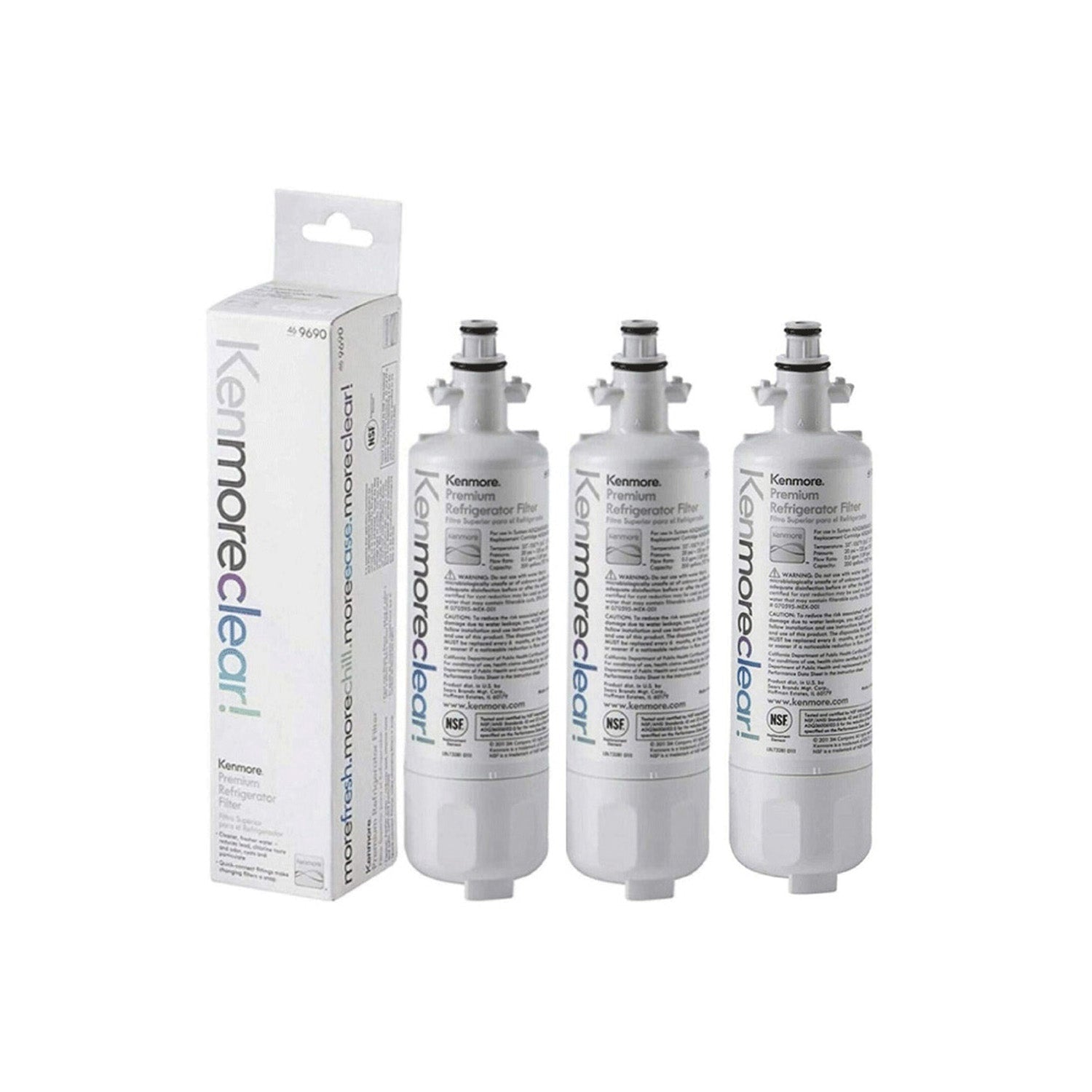
Water filter lights on refrigerators often stay on even after a new filter is installed, which can confuse many users. Many people see this light and think the fridge still has a problem. This guide shows simple steps that work across common refrigerator brands to reset the light correctly. It also explains when to replace the water filter and how to handle models with or without an indicator light. Read on to fix the issue and keep your water clean.
Resetting Refrigerator Filter Lights Across Major Brands
After installing a new water filter, you may need to manually clear the filter reminder light on your refrigerator. The reset process varies by brand and model.
Amana Water Filter Reset Process
On many models, holding the Dispenser Lock and Auto Light controls together for about 4 seconds will trigger the filter indicator to flash. Some units instead require the Dispenser Lock and Water buttons to be pressed simultaneously for the same amount of time.
Frigidaire Water Filter Reset Process
The reminder light can typically be reset by keeping the Reset button pressed until the green status light begins flashing, which may take up to 15 seconds.
GE and Hotpoint Water Filter Reset Process
Locate the Reset Water Filter control on the dispenser and keep it pressed for roughly 3 seconds to clear the alert.
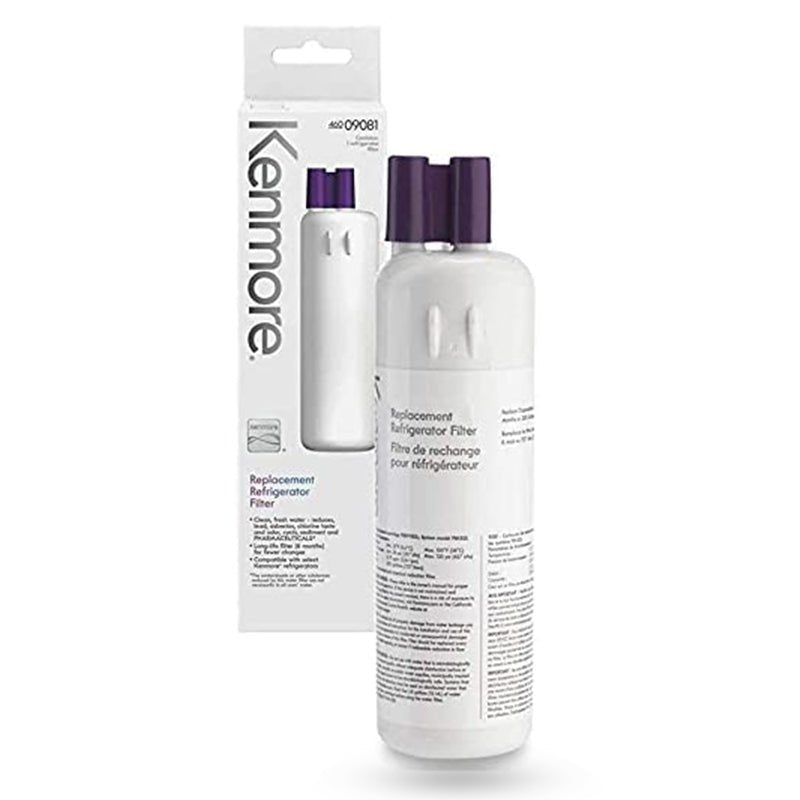
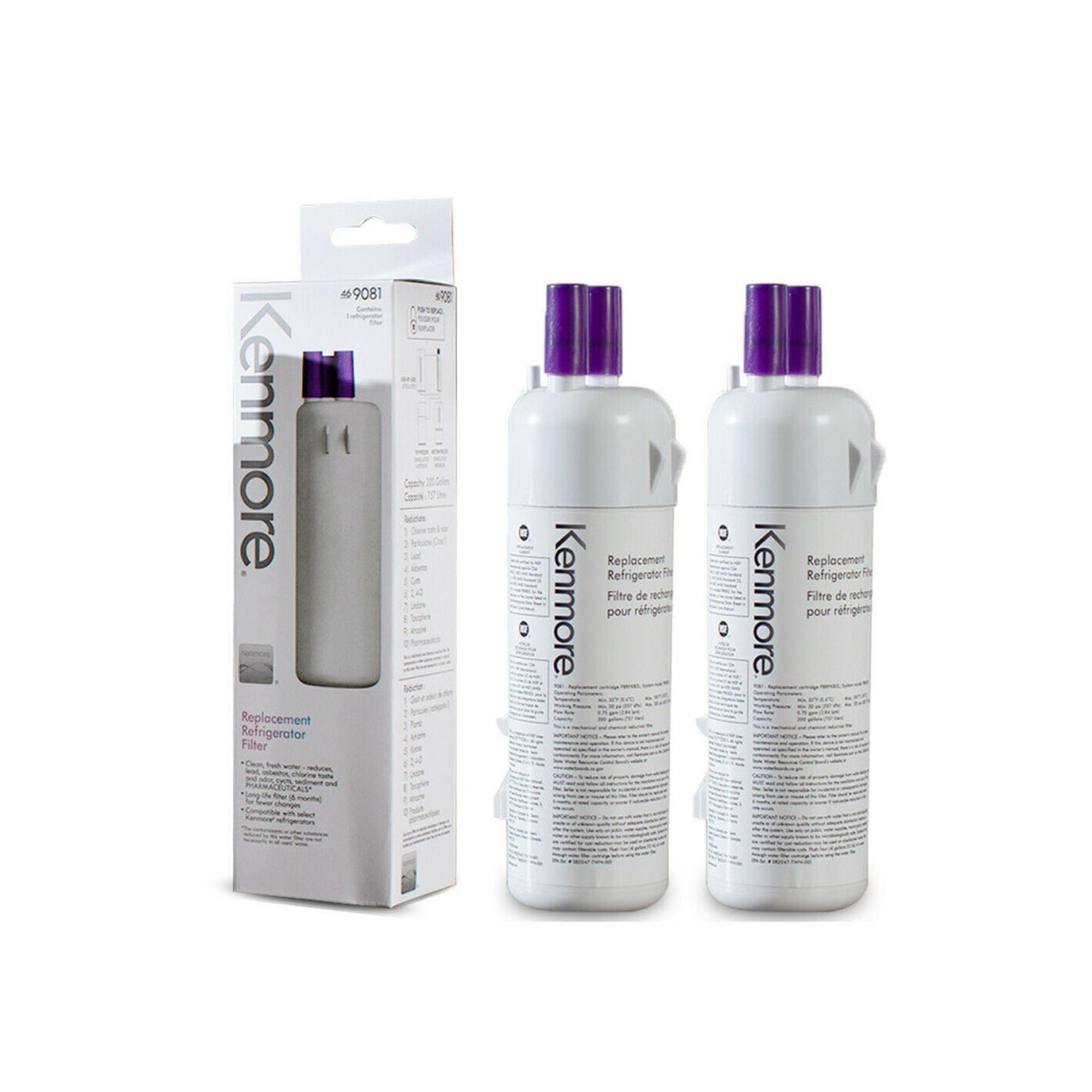
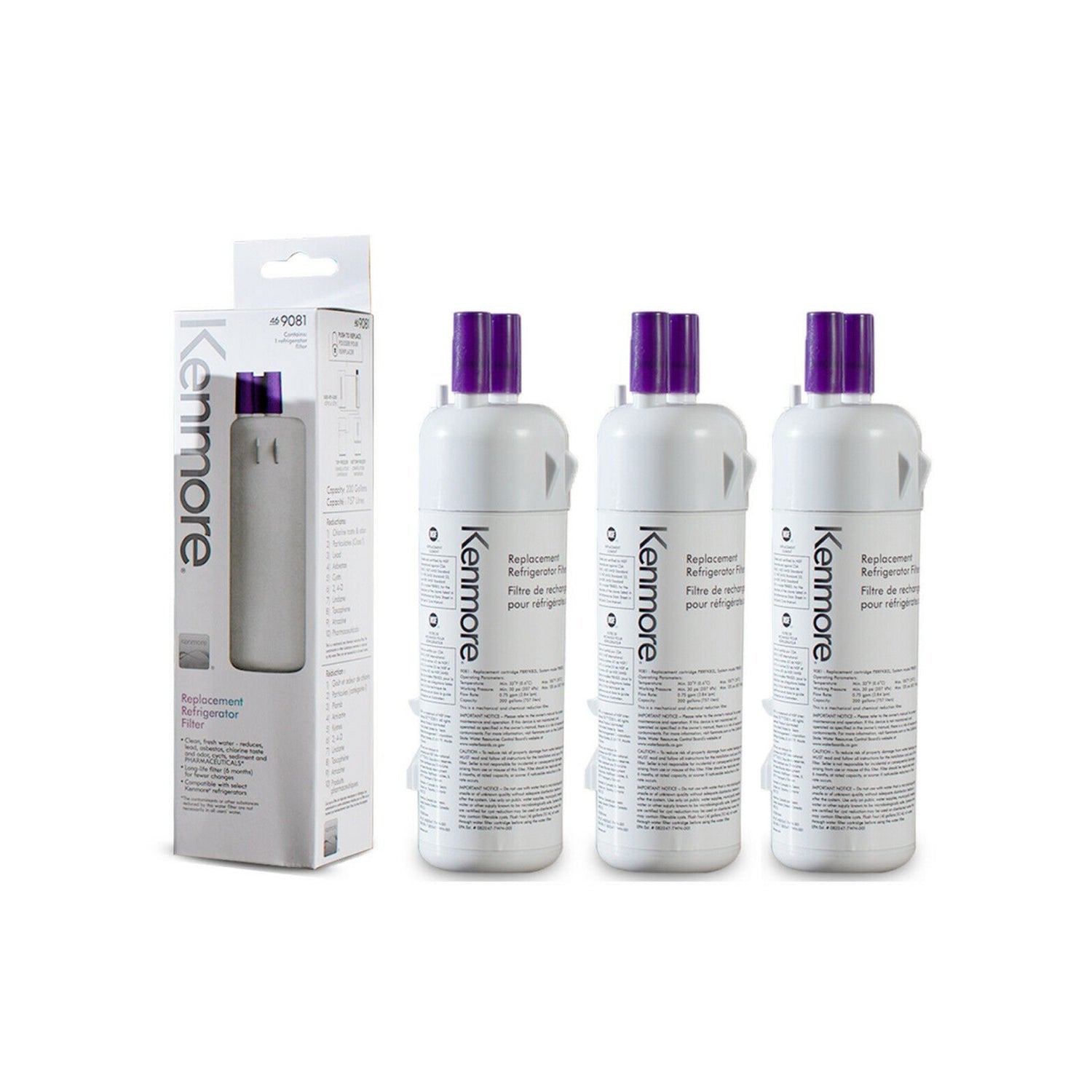
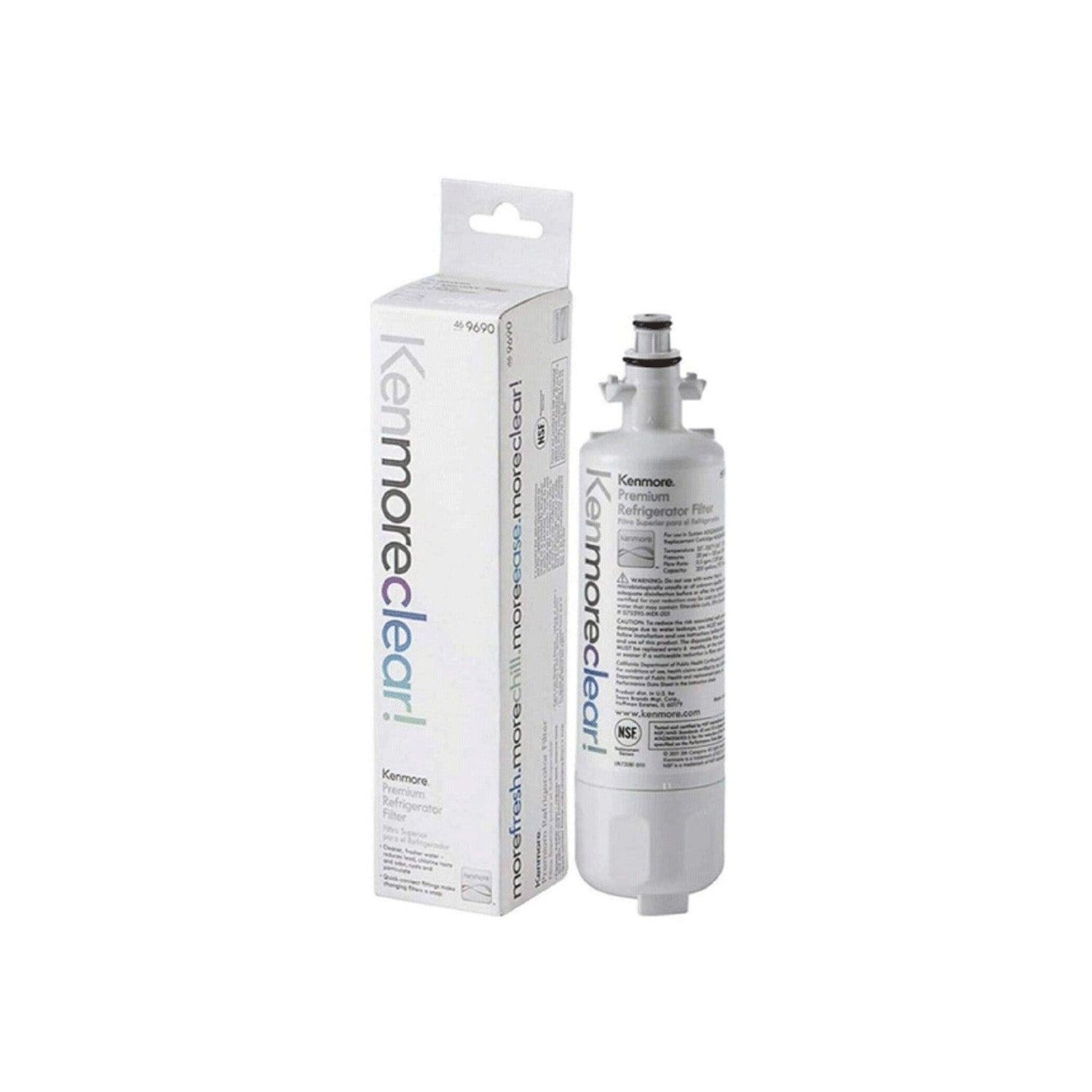
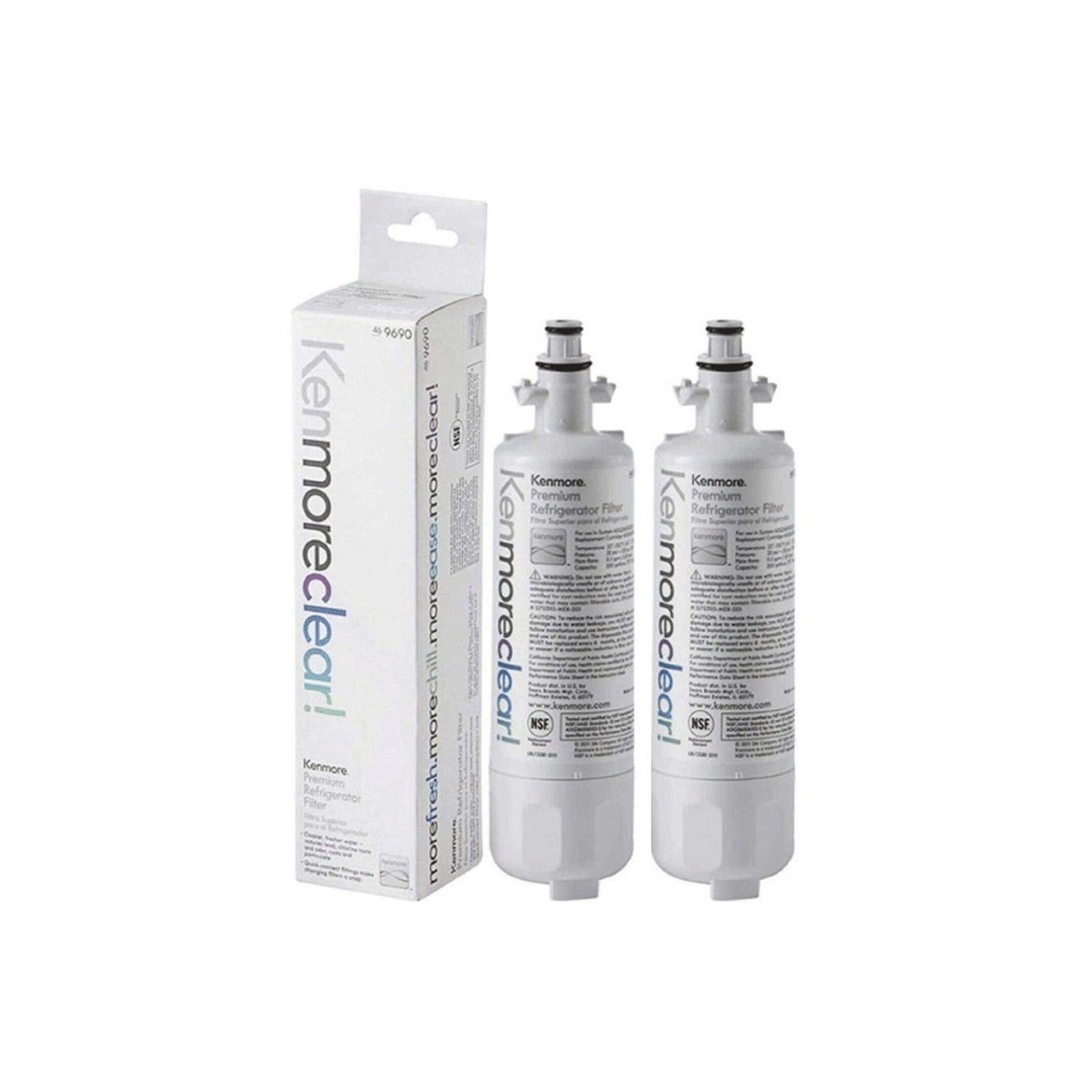
Kenmore Water Filter Reset Process
Since Kenmore refrigerators are manufactured by multiple companies, the correct reset procedure depends on the original manufacturer of your appliance.
LG Water Filter Reset Process
Restoring the filter indicator generally requires pressing and holding the Reset button for approximately 3 seconds.
Maytag and Jenn-Air Water Filter Reset Process
Many models respond when the Lock and Light buttons are held together for around 4 seconds. Newer versions may use the Lock and Water buttons instead, with the indicator blinking once the reset is accepted.
Samsung Water Filter Reset Process
To reset the filter status, press the Ice Type and Child Lock buttons at the same time for 3 seconds. Holding them too long can cancel the action, so if the reset does not register, release the buttons and repeat the process. A successful reset typically changes the filter light back to green.
Whirlpool and KitchenAid Water Filter Reset Process
Certain refrigerators reset when the interior light switch is pressed 5 times within 10 seconds. Models equipped with a dedicated Filter button may instead require that button to be held for 5–10 seconds.
Here is the rewritten section:
Signs It's Time to Install a New Refrigerator Filter
For the best performance, replace the refrigerator water filter about every six months, whenever the filter status indicator signals a change, or sooner if water flow begins to slow. A dirty, damaged, or improperly fitted filter can restrict water movement to both the dispenser and ice maker, leading to reduced ice output, smaller ice cubes, or slower dispensing.
If a replacement filter is not immediately available, remove the existing filter and operate the system in bypass mode until a new one can be installed. The refrigerator will continue supplying water without filtration, preventing a blocked filter from affecting dispenser performance or ice production. To restore filtered drinking water, be sure to install a replacement filter as soon as possible.
A few drops of water after dispensing is expected and does not indicate a problem. Keeping your glass under the dispenser for an additional two to three seconds after releasing the control can help catch any remaining drips.
Refrigerators That Include a Filter Reminder Light
Refrigerators with a filter indicator light signal when the water filter needs replacement based on usage or time. The alert appears on the control panel when the filter reaches its limit, showing it is time for a change. Replace the filter once the light turns on, then follow the owner’s manual to reset the indicator after installation.
Refrigerators That Do Not Include a Filter Reminder Light
Refrigerators without a filter indicator light require manual tracking for replacement timing. The water filter should be changed every 6 to 9 months under normal use. A quicker change may be needed if water flow slows or the dispenser output drops, which signals a clogged filter. Reduced flow happens when contaminants build up inside the filter, so replacing it helps restore normal performance.